
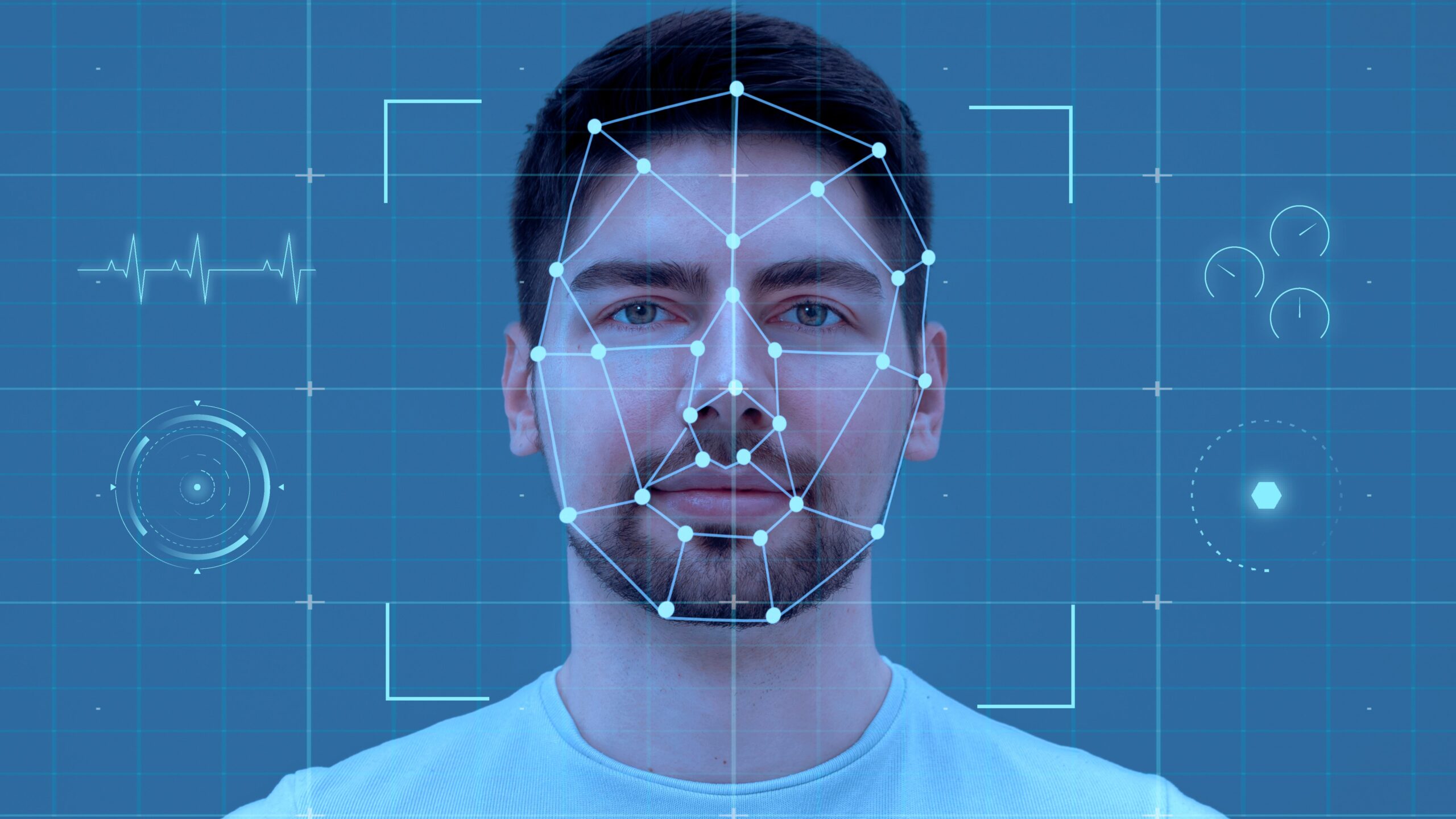
Have you ever been frustrated trying to get that perfect passport or visa photo? The one with strict requirements for size, background color, face position, and expression? Yeah, those photos that make you want to pull your hair out. Well, you’re not alone! Biometric photos are a pain to perfect, but they are super important for official documents like passports, driver’s licenses, and visas. Traditionally, you’d have to visit a professional photo studio or risk wasting time and money with retakes. But what if I told you AI tools could make this process way easier? Yes! AI is revolutionizing how we create biometric photos—making it faster, cheaper, and more convenient. Let’s dive into how to make biometric photos using AI tools, step by step.
What Are Biometric Photos?
Before we dive deeper, it’s important to understand exactly what biometric photos are and why they are so crucial. Biometric photos are specially designed images used primarily for identity verification purposes. They serve as a visual representation of a person that must meet strict standards to be accepted for official documents like passports, visas, driver’s licenses, and other forms of government-issued ID. The idea behind biometric photos is to create a reliable and consistent way for both human officers and automated systems to recognize and confirm your identity without any ambiguity.
These photos are far from ordinary snapshots; they must adhere to very specific requirements to ensure they work effectively with facial recognition technology and manual checks alike. The specifications cover everything from the size and dimensions of the photo to the color and clarity of the background. This meticulous attention to detail helps eliminate variables that could interfere with the accuracy of identity verification processes. For instance, the photo’s dimensions have to be precise so that the face fits correctly within the frame and can be analyzed accurately by biometric systems.
Moreover, the content of the photo itself is regulated to ensure consistency and clarity. Your face needs to be centered, fully visible, and free of any shadows or obstructions. This means no hats, glasses, or anything else that might block your facial features. The expression on your face must also be neutral — think natural and relaxed, with your mouth closed and eyes open, looking straight at the camera. These seemingly small details are actually vital because they ensure that the image can be reliably matched to your physical appearance in real life or in other official databases.
While these standards might seem rigid, they can vary slightly depending on the country and the purpose of the photo. Different governments have their own exact rules on dimensions, background color, and head positioning, but the core principles remain consistent worldwide. The ultimate goal is to have a photo that is clear, standardized, and easy for both humans and machines to interpret — making biometric photos a foundational piece of modern identification and security systems.
Why Use AI Tools for Biometric Photos?
If you’re wondering why more and more people are turning to AI tools for their biometric photos instead of going to a traditional photo studio, here’s a detailed list of reasons that explain the huge advantages AI offers in this space:
- Ultimate Convenience: You can take your biometric photo anytime and anywhere — whether it’s your living room, office, or even on the go — using just your smartphone or a webcam. No need to schedule appointments or travel anywhere.
- Perfect Accuracy: AI algorithms analyze your face and the photo parameters to ensure your image meets all the strict biometric photo standards. This precision minimizes the risk of rejection from official authorities.
- Instant Editing: AI tools automatically remove or replace backgrounds, adjust lighting and shadows, and crop your photo to the exact size needed, all within seconds, saving you tons of time.
- Fast Turnaround: Unlike waiting for a professional studio to process and print photos, AI tools give you immediate results. You can instantly review, retake, or download your photo without delays.
- Cost-Effective Solution: There are no studio fees, printing costs, or charges for retakes. Many AI photo services offer free basic options or very affordable premium features, making it budget-friendly.
- Customizable for Different Documents: Whether you need a passport, visa, driver’s license, or other ID photo, AI can tailor the photo’s dimensions, background color, and other specs to match the specific document requirements.
- User-Friendly Interfaces: Most AI tools are designed to be easy to use, even for people who aren’t tech-savvy. Step-by-step guides, real-time feedback, and automatic compliance checks help you get it right on the first try.
- Privacy and Security: By doing it yourself on your device, you control your personal data more than when handing over your photos to third-party photographers or studios.
- No Physical Prints Needed: Many official processes now accept digital submissions of biometric photos, and AI tools prepare the photos perfectly optimized for digital upload, reducing the hassle of printing and scanning.
- Reduction of Human Error: Because AI follows strict programmed standards, it eliminates common mistakes like wrong size, improper lighting, or background issues that often happen in manual setups.
Choose the Right AI Biometric Photo Tool
| Tool Name | Platform | Key Features | Price Model | Best For |
| Passport Photo AI | Mobile, Web | Automatic background removal, precise size adjustment, multi-document templates | Free with optional paid features | Users needing quick, customizable photos on mobile or desktop |
| IDPhotoStudio | Windows | Auto cropping, print layout setup for home printing | Completely free | Windows users who prefer offline use and print-ready layouts |
| BiometricPhoto | Web | AI-powered background editing, strict compliance checks with country-specific rules | Subscription-based | Professionals or frequent users needing high compliance accuracy |
| PhotoAiD | Mobile, Web | Real-time face detection, multi-document support, export in multiple formats | Freemium (free + paid tiers) | Users wanting live guidance and support for various documents |
| Visafoto | Web | Instant photo resizing, background fix, passport and visa templates | Pay-per-photo | Those needing quick photos tailored specifically for visa applications |
Take Your Photo Using Your Smartphone or Webcam
This is the moment where everything starts coming together — capturing the perfect biometric photo using just your smartphone or webcam. The great news is that you don’t need any fancy or professional camera gear to get a high-quality image that meets biometric standards. Modern smartphones and webcams have cameras powerful enough to take clear, detailed photos suitable for official documents. The key is in how you set up the shot and follow some simple but essential guidelines to make sure your photo ticks all the boxes.
First, the background plays a crucial role. You want to stand in front of a plain white or very light-colored wall that is free of any decorations, shadows, or patterns. This kind of neutral background helps biometric systems clearly distinguish your face and prevents any distractions that could interfere with facial recognition technology. Positioning yourself about one meter, or roughly three feet, away from the wall is ideal because it helps avoid shadows cast on the background and ensures your face is well lit and clearly visible in the photo.
Lighting is another critical factor to get right. Natural daylight is the best choice, so try to take your photo near a window or outdoors on a bright but overcast day to avoid harsh shadows and uneven lighting. If natural light isn’t available, use soft, diffused artificial light that evenly illuminates your face without causing glare or reflections. Avoid using direct flash, which can create sharp shadows and uneven brightness, potentially disqualifying your photo. Ensuring even lighting helps maintain clarity and makes your facial features easy to identify.
When it comes to posing, keep it simple and straightforward. Look directly at the camera with a neutral expression — no smiles or exaggerated facial expressions. Your mouth should be closed, eyes open and clearly visible, and your head centered in the frame. Remove any glasses, hats, or other accessories that might cover or cast shadows on your face. Holding the camera at eye level will help avoid distorted angles and produce a natural, proportional image. Think of it as taking a selfie, but with extra care to follow these rules, ensuring your photo will be accepted without any hassle.
Upload the Photo to the AI Tool
Once you have your raw photo ready, uploading it to the AI biometric photo tool is the crucial next step. Here’s a detailed, step-by-step list of what this process typically involves and how AI works behind the scenes to prepare your photo perfectly:
- Choose your preferred AI tool and open its website or app on your device.
- Locate the upload option, which is usually clearly marked as “Upload Photo,” “Select Image,” or a drag-and-drop area.
- Select the photo file from your device storage or simply drag the image file into the designated upload area.
- Wait for the AI tool to process your image — this usually takes just a few seconds.
- The AI first detects your face within the photo, identifying key facial features such as eyes, nose, mouth, chin, and overall face outline.
- It analyzes the position and size of your face to understand how to best crop and center it within the required biometric photo frame.
- The tool automatically removes the original background from your photo, isolating your face and upper shoulders.
- It replaces the removed background with the appropriate plain, uniform color (most commonly white or light grey) according to the official requirements.
- AI algorithms adjust lighting conditions by brightening the photo, balancing shadows, and correcting uneven exposure to create a clear, well-lit image.
- The color balance is refined to ensure natural skin tones and eliminate unwanted color casts that may appear due to indoor or artificial lighting.
- The AI crops the image precisely to the required dimensions based on the type of biometric photo you need, such as passport, visa, or driver’s license specifications.
- It resizes your head within the frame to meet size regulations — this includes head height and distance from chin to crown.
- The tool checks compliance with biometric photo rules, flagging if your face is off-center, head size is incorrect, or if background and lighting conditions do not meet standards.
- You’re often provided with visual guides or overlays that show where your face should be positioned to meet official criteria.
- Many AI tools offer the option to manually adjust the crop or positioning if you feel the automatic settings are slightly off.
- After finalizing adjustments, the AI generates a high-resolution version of your photo ready for download.
Adjust and Review the Photo
| Feature | Description | Why It Matters | How It Helps You | Common Tool Implementation |
| Manual Face Positioning | Allows you to drag or nudge your face within the frame | Ensures your face is perfectly centered and sized | Fixes slight AI misplacements for compliance | Interactive drag-and-drop or arrow controls |
| Background Color/Brightness | Lets you adjust the shade or brightness of the background | Matches specific country or document requirements | Removes shadows or color inconsistencies | Color sliders or presets for white/light grey |
| Zoom and Frame Shift | Enables zooming in/out and shifting the crop frame | Achieves correct head size and position | Helps align facial features within biometric templates | Pinch-to-zoom or scroll bars |
| Compliance Checks | Displays guidelines or overlays showing biometric rules | Visual cues prevent errors in alignment and sizing | Confirms the photo meets official biometric specs | Transparent grids, circles, or markers |
| Preview and Confirmation | Lets you preview the final adjusted photo before download | Ensures satisfaction and accuracy | Reduces chance of rejection by authorities | Full-screen preview with side-by-side comparisons |
Download and Print Your Biometric Photo
Once you have finalized your biometric photo and are satisfied with how it looks, the next crucial step is to download it correctly. Most AI biometric photo tools will provide you with the option to save your image in standard formats such as JPEG or PNG. It’s important to ensure that the photo is downloaded at the right resolution—typically 300 dpi or higher—to meet official requirements. The dimensions of the photo must also match the exact specifications set by the issuing authority, such as passport or visa photo size standards, to avoid rejection.
If you plan to submit a physical printed photo, printing quality becomes extremely important. Using a high-quality photo printer is essential to reproduce the colors, lighting, and sharpness that the AI tool has optimized. Printing on specialized photo paper, whether glossy or matte, helps maintain the integrity of the image and prevents fading or smudging over time. Glossy paper tends to offer sharper color and contrast, while matte paper reduces glare, so choose the finish based on your preference and any official guidelines.
Accurately matching the official size specifications when printing is another critical detail. The photo’s physical dimensions must align perfectly with the requirements, or the photo may be deemed unacceptable. This often means printing multiple copies on a single sheet in a layout that fits standard photo paper sizes like 4×6 inches. Some users prefer to print at home, but if you don’t have access to a quality printer, professional print shops can ensure the photo meets these strict standards.
Many AI biometric photo tools now offer additional services to make this process even easier. Some platforms allow you to order prints directly through their website, with options for home delivery or local print shop pickup. This added convenience removes the guesswork and ensures your biometric photo is professionally printed and ready to submit, saving you time and hassle during the application process.