
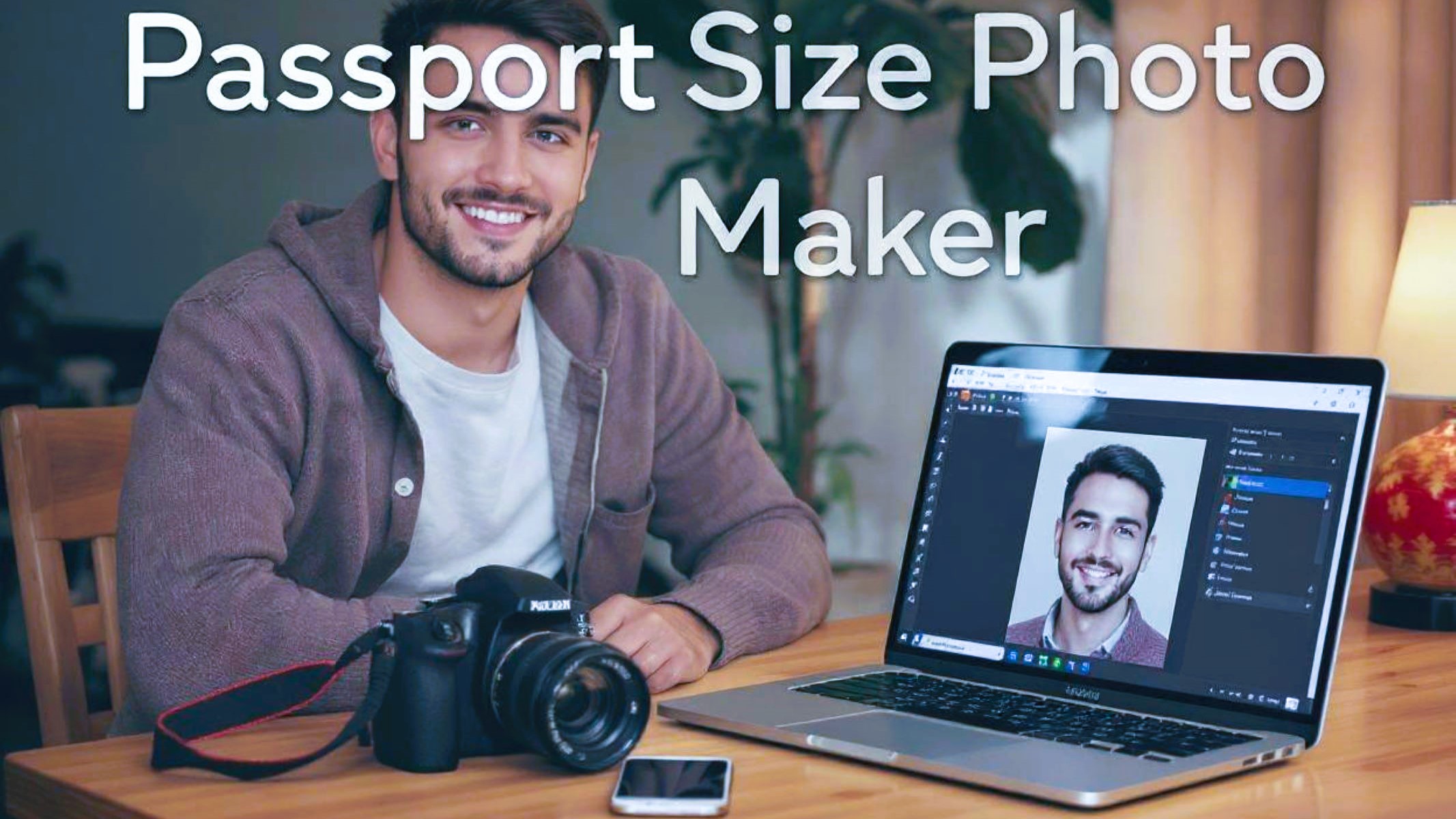
If you’ve ever needed a Passport size photo, you know it’s not just about snapping a quick picture. These tiny photos carry a ton of weight—they’re your official ID in many cases, the first impression on visas, licenses, and more. So, getting it right is crucial. But here’s the catch: traditional photo booths might seem convenient, but they’re not always the best option. Enter the Passport size photo Maker—a DIY approach that’s taking over. Why? Let’s dive in.
What Is a Passport Size Photo Maker?
A passport size photo maker is essentially a digital tool—usually an app or software—that empowers you to create your own passport photos without leaving home. Instead of the old-school way of rushing to a photo booth or spending money at a professional studio, you simply take a picture using your smartphone or camera. Then, you upload it to the software where you can adjust it to meet all the official passport photo standards. This means you don’t have to worry about confusing size measurements or strict background rules because the app guides you through those steps automatically.
What makes these photo makers stand out is how user-friendly and flexible they are. You get full control over the process—from taking the initial shot to editing the final version. You can retake photos as many times as you want until you’re satisfied, something that’s impossible in a traditional photo booth. Plus, these apps often come with handy features like automatic background removal or correction tools for brightness and contrast, ensuring your photo looks clear and professional. It’s like having a mini photo studio right in your pocket!
Another great advantage is that passport size photo makers save you both time and money. Instead of traveling to a booth, waiting in line, and potentially paying for multiple failed attempts, you handle everything at your own pace. Once your photo is ready, you can print it at home or send it to a nearby print shop. Some even offer digital versions that you can use directly for online passport applications, which have become increasingly common nowadays.
Finally, these tools are constantly updated to stay in line with changing government requirements. Passport photo rules vary from country to country and sometimes even change over time. The photo makers adjust their templates and guidelines accordingly, so you can rest easy knowing your photo will be accepted. Overall, a passport size photo maker offers a convenient, affordable, and reliable alternative to the traditional photo booth experience, giving you peace of mind and better results.
Why DIY Passport Photos Are Taking Over
| Aspect | Explanation | Benefit | Example | Impact on Users |
| Convenience | DIY passport photo makers let you create photos anytime and anywhere without searching for a booth. | Saves time and effort | Take and edit photos at home or anywhere using your phone | More flexible scheduling and less stress |
| Cost-effective | Avoid repeated payments for retakes or pricey studio sessions by handling the process yourself. | Significant money savings | Instead of $5-10 per booth session, use free or low-cost apps | Budget-friendly for frequent travelers or renewals |
| Control | You control every detail—background, lighting, facial expression, and retakes until it’s perfect. | Higher photo quality and satisfaction | Use apps to remove backgrounds or adjust brightness with ease | Ensures your photo meets strict passport criteria |
| Instant | No more waiting for photo booth prints or studio processing times; photos are ready immediately. | Immediate access to finished photos | Download or print your photos moments after editing | Ideal for last-minute applications or emergencies |
| Customization | Many apps offer editing tools and templates tailored to country-specific passport photo requirements. | Guaranteed compliance with official rules | Resize, crop, and format photos precisely for your country | Reduces the risk of rejection due to photo errors |
The Traditional Photo Booth vs. DIY Passport Photo Maker
Let’s break down why making your own passport photo often beats the booth method.
- Traditional photo booths often have fixed lighting that cannot be adjusted, which can lead to harsh shadows or unflattering glare on your face. In contrast, when you create your own passport photo, you control the lighting, allowing you to choose soft, even light that highlights your features naturally.
- The background in photo booths is usually standard and not customizable, which can be a problem if the official passport rules require a specific background color or style. DIY passport photo makers let you easily change or remove the background digitally, ensuring it meets the precise government guidelines.
- Photo booths typically allow only one or two attempts to get a good photo, which means if you blink, frown, or the photo doesn’t look right, you may have to pay again for another shot. With DIY tools, you can take unlimited photos until you are completely happy with the result, saving both money and frustration.
- Waiting times at photo booths or professional studios can be inconvenient, especially when you’re on a tight schedule. On the other hand, passport photo makers provide instant results, so you can finish the entire process in minutes without stepping outside your home.
- Cost is a major factor. Each trip to a photo booth can cost around $5 to $10, and multiple attempts quickly add up. Creating your own passport photo usually involves little to no cost, especially if you already have a smartphone and printer, making it a much more budget-friendly option.
- Photo booths often don’t provide options to edit or improve the photo, so you end up with whatever comes out of the machine. DIY makers offer editing tools that allow you to adjust brightness, contrast, and even correct minor imperfections, leading to a higher quality photo that passes official requirements.
- Some photo booths may not be conveniently located, especially in rural or less populated areas, making it difficult to find one when you need it most. With a DIY passport photo maker, the only thing you need is your device and internet connection, no matter where you are.
The Limitations of Photo Booths
Traditional photo booths come with several inherent limitations that can make getting a perfect passport photo a frustrating experience. One major issue is the inflexible lighting setup. Photo booths often have harsh, unflattering lighting that you can’t adjust, which leads to shadows, glare, or washed-out skin tones. This can result in photos that don’t meet the strict standards required for official documents. Additionally, photo booths usually have standard backdrops that may not comply with your country’s exact passport photo regulations, increasing the risk of rejection.
Another significant drawback is the limited number of retakes you get at a photo booth. Typically, you’re allowed only one or two shots, so if you blink, frown, or don’t get your posture right, you might have to pay again for another attempt. This can quickly become expensive and time-consuming, especially if you want a high-quality photo. Over time, these repeated attempts and travel costs to the booth can add up, making the traditional method less cost-effective than it initially seems.
On the other hand, using a passport photo maker offers a smart alternative that addresses many of these issues. With a passport photo maker, you can easily customize your photo background to fit official requirements, whether that’s a plain white background or another specified color. You’re free to take as many retakes as you need, ensuring you get the perfect expression and lighting every time without additional charges. The passport photo maker also allows you to precisely resize and crop your photo to meet the official specifications of your country’s passport office.
Getting started with a passport photo maker is straightforward and user-friendly. Simply capture your photo using a plain background and good lighting, making sure you maintain a neutral expression. Upload the image to the passport photo maker software or app, which will guide you through editing and cropping the photo to the correct dimensions. If necessary, you can change the background within the app to comply with official guidelines. After previewing your photo to ensure it meets all standards, you can save and print it at home, or send it to a professional printer. This seamless process gives you control, convenience, and confidence that your photo will be accepted.
Top Features to Look For in a Passport Size Photo Maker
| Feature | Why It Matters | Benefit to Users | Example Functionality | Impact on Photo Quality |
| Auto Background Removal | Quickly replace or remove backgrounds to meet official rules | Saves time and effort | One-click background erase or replacement | Ensures clean, compliant backgrounds |
| Official Size Templates | Provides accurate dimensions based on country requirements | Avoids photo rejection due to incorrect size | Pre-set templates for 2×2 inch, 35×45 mm, etc. | Perfect framing and head size conformity |
| Multiple Export Formats | Supports saving photos in formats like JPEG, PNG, PDF | Flexibility for digital submissions and printing | Download in high-res JPEG or digital passport specs | Compatible with online applications and printers |
| User-Friendly Interface | Simplifies editing for users of all skill levels | Reduces frustration and speeds up the process | Drag-and-drop editing, easy cropping tools | Smooth workflow leads to better final results |
| Retake and Compare Function | Allows users to take multiple shots and pick the best | Higher satisfaction with final photo | Side-by-side photo comparisons | Guarantees the best expression and posture |
| Print Layout Options | Lets users print multiple photos on a single sheet | Saves paper and reduces printing costs | Print 4-6 passport photos per page | Economical and convenient for multiple copies |
How to Ensure Your DIY Passport Photo Is Accepted
- Know Your Country’s Specific Passport Photo Requirements: Each country has its own rules regarding passport photos, including size, background color, and positioning. Make sure to research and understand these before taking your photo.
- Use the Correct Background Color: Most countries require a plain white or off-white background. Some may accept light blue or other colors, but it’s essential to use exactly what your country demands to avoid rejection.
- Adhere to Photo Size and Dimensions: Passport photos typically must be 2×2 inches (51×51 mm) or 35×45 mm. The size and proportion of your head within the photo must also meet official guidelines.
- Position Your Head Properly: Your head should be centered and take up a specific percentage of the frame—usually between 70-80% of the photo height—to ensure it’s clearly visible and properly framed.
- Maintain a Neutral Facial Expression: Keep a natural, relaxed face with both eyes open. Smiling, frowning, or exaggerated expressions are usually not allowed.
- Avoid Wearing Glasses Unless Required: Most countries disallow glasses in passport photos due to glare and reflections, unless for medical or religious reasons. Even then, the eyes must be clearly visible.
- Remove Hats and Head Coverings: Hats, caps, or any headwear are generally prohibited unless worn for religious purposes. The face must be fully visible, and the head covering should not cast shadows.
- Use Proper Lighting: Use natural daylight or evenly diffused lighting to avoid shadows on your face or background. Harsh or uneven lighting can cause your photo to be rejected.
- Stand Away from the Background: Position yourself about 1 to 2 feet away from the background to minimize shadows and create a clear distinction between you and the backdrop.
The Cost Breakdown: Photo Booth vs. DIY Passport Photo Maker
When it comes to getting passport photos done, cost is a big factor for many people. Traditional photo booths seem straightforward but can quickly become expensive. Each session usually costs between $5 and $10, and if you aren’t happy with the result, you might have to pay an additional retake fee in the same range. On top of that, you need to consider travel expenses—both in terms of money spent getting to the booth and the time it takes. While printing is often included, the cumulative cost of multiple retakes and trips to the booth can add up fast, making this option less affordable than it appears at first glance.
On the flip side, using a passport photo maker is often much more budget-friendly. Many apps and software tools are free to use or charge a small one-time fee between $5 and $15. This cost covers unlimited retakes, so you can take as many photos as you need without worrying about additional charges. Printing at home is very affordable, with prices typically ranging from 10 to 50 cents per photo, depending on your printer and paper quality. If you prefer professional printing, costs usually fall between $1 and $3 per photo, which still tends to be cheaper than repeated booth visits.
Another advantage of DIY is that most people already own the necessary equipment, like a smartphone or digital camera, so there’s no need for extra purchases. This means the initial investment is minimal or nonexistent, making the passport photo maker approach highly economical. Since you can handle the entire process yourself, there are no surprise fees or hidden costs associated with travel or retakes.
In summary, while traditional photo booths might feel convenient, they often come with ongoing expenses that can add up, especially if you need to retake photos or have multiple documents to update. Meanwhile, DIY passport photo makers offer significant savings by combining low or no software costs, affordable printing options, and eliminating travel expenses. For anyone looking to save money and have greater control over the process, DIY is usually the smarter financial choice.