
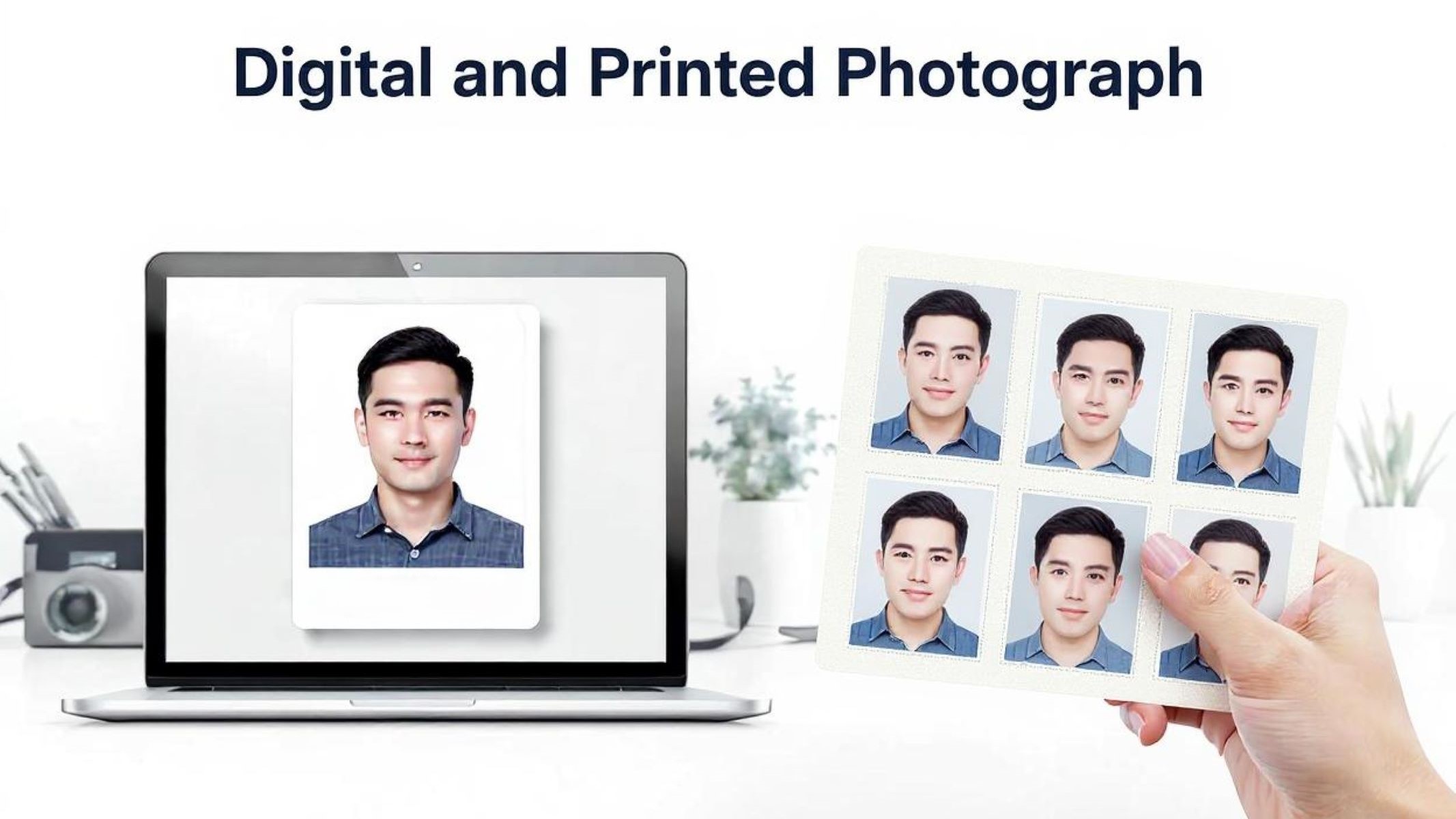
Let’s start with the basics: ID photos are everywhere. Whether you’re applying for a driver’s license, a passport, or even a new job, you’ll need a photo that represents you officially. But here’s the twist—these days, ID photos come in two main forms: digital and printed. Both serve the same purpose, but they’re quite different in how they’re created, used, and processed. Are you curious about which one suits your needs? Let’s dive into the nitty-gritty of digital vs printed ID photos and uncover what you really need to know.
What Is a Digital ID Photo?
A digital ID photo is essentially a photograph that exists in electronic form rather than as a physical print. Unlike traditional printed photos, these images are stored as files—most commonly in formats like JPEG or PNG—and can be captured using a variety of digital devices. Whether it’s a smartphone camera, a dedicated digital camera, or even a professional studio setup, the photo is created and saved in a way that allows it to be easily transferred, viewed, and processed on electronic devices such as computers, tablets, or smartphones. This format has become increasingly popular as more services and institutions move toward digital workflows and online submissions.
One of the key advantages of digital ID photos is how convenient and versatile they are. Because these photos are stored electronically, they can be quickly shared through email, uploaded directly to websites, or sent via messaging apps without the need for printing or physical delivery. This makes the process of applying for IDs, passports, or other official documents much faster and more streamlined, especially in a world where online applications are becoming the norm. It also eliminates the hassle of carrying or mailing printed photos and reduces the risk of damage or loss that can happen with physical copies.
Another important aspect of digital ID photos is their flexibility. Unlike printed photos, digital versions can be easily edited or retaken if needed before submitting. If the photo doesn’t meet the necessary requirements—like lighting, background, or size—it can be corrected or completely redone without wasting paper or incurring additional printing costs. This adaptability helps applicants ensure their photo complies with official standards, which can prevent application delays or rejections. However, it’s crucial to remember that most institutions require the photo to be a true representation without excessive alterations or enhancements.
Lastly, digital ID photos are increasingly becoming a requirement for various modern identification processes. Many government agencies and private companies now demand digital copies for applications ranging from passports to employee ID cards. This shift not only supports faster processing but also integrates well with biometric systems and digital verification technologies. As governments and organizations continue to digitize their operations, understanding the nature and proper use of digital ID photos is essential for anyone navigating official documentation in today’s tech-driven environment.
What Is a Printed ID Photo?
| Aspect | Description | Advantages | Limitations | Typical Use Cases |
| Physical Format | A printed ID photo is a tangible photograph developed on photo paper, commonly sized for official use. | Easy to carry and submit physically without tech needs | Can be damaged, lost, or faded over time | Passport applications, driver’s licenses, school IDs |
| Submission Method | Printed photos are usually submitted in person or sent via mail to relevant authorities or institutions. | Accepted universally even where digital access is limited | Inconvenient for quick or remote submissions | Government offices, embassies, institutions with strict physical document requirements |
| Viewing and Verification | No electronic device is needed to view or verify printed photos, making them accessible to all. | Simple to check visually without special equipment | Difficult to share quickly or digitally for remote processes | ID cards, physical badges, security passes |
| Production Process | Typically produced by photo studios, photo booths, or printing services that follow official guidelines. | Often professionally standardized and checked for compliance | Involves cost and time for printing and picking up | Passport photo booths, local photo studios |
| Durability and Longevity | Printed photos can last many years if stored properly but are susceptible to wear and environmental damage. | Tangible proof of identity that can be archived | Vulnerable to physical damage like water, tears, fading | Long-term ID documents requiring physical presentation |
Why Does the Difference Matter?
- The format of your ID photo—digital or printed—can determine whether your application is accepted or rejected, as many institutions have strict guidelines about which type they require.
- Different countries have varying standards and regulations regarding ID photos; some mandate printed photos for official documents like passports, while others prefer or accept digital submissions.
- The convenience factor plays a huge role: digital photos allow for instant uploads and faster processing times, whereas printed photos might require physical visits to photo studios or government offices, which can be time-consuming.
- Quality control varies between formats; printed photos often go through professional processing that ensures size, color, and background compliance, while digital photos rely on the applicant’s ability to capture or edit the image correctly.
- Security considerations differ; digital photos can be encrypted and stored securely but are also susceptible to hacking or unauthorized alterations, whereas printed photos avoid digital vulnerabilities but can be physically lost, damaged, or tampered with.
- Accessibility is important: printed photos don’t require technology to view or verify, making them essential in areas with limited internet or device availability, while digital photos depend on having compatible devices and internet access.
- The ease of correction or retake is greater with digital photos, which can be edited or replaced quickly, but printed photos may involve additional costs and effort if a mistake is made.
- Environmental impact matters; digital photos reduce paper use and waste, contributing to eco-friendly practices, while printed photos consume physical resources like paper and ink.
- The integration with modern technologies such as biometric systems and digital identity verification favors digital photos, which can be directly linked to databases, enhancing efficiency and security.
- For those unfamiliar or uncomfortable with digital tools, printed photos provide a straightforward, no-tech-needed solution, reducing errors related to file formats or uploads.
- Some institutions still require physical photos for archival or legal reasons, making printed photos indispensable despite the digital shift.
The Advantages of Digital ID Photos
One of the biggest perks of digital ID photos is the instant access and convenience they offer. Unlike traditional printed photos that require time for development and shipping, digital photos appear immediately on your device as soon as they are taken. This means you can review, approve, and submit your photo online within minutes, making the entire process much faster and more efficient. Whether you’re applying for a passport, driver’s license, or any official document that accepts digital submissions, having instant access eliminates delays and reduces stress.
Another significant advantage is the ease of retaking and editing digital photos. If your first attempt doesn’t meet the required standards—maybe the lighting was off, or you blinked—you can simply take another shot without worrying about wasting paper or additional costs. Minor adjustments like cropping the image to the correct size or tweaking brightness and contrast can be done quickly using basic editing tools. This flexibility helps ensure your photo complies with official guidelines without the hassle of repeated trips to a photo studio or the need to print multiple copies.
Cost-effectiveness is a further benefit of using digital ID photos. Since you avoid printing fees, transportation costs, and extra charges for multiple copies, digital photos save you money in the long run. This is especially true if you need several copies for different applications or if you frequently update your identification documents. The ability to store and reuse the same digital photo for various purposes also adds to the overall savings, making digital photos a budget-friendly choice for individuals and organizations alike.
Beyond convenience and cost, digital ID photos contribute positively to environmental sustainability. By eliminating the need for paper, ink, and chemical processing associated with printed photos, digital photos significantly reduce waste and resource consumption. This shift to digital formats aligns well with growing efforts to protect the environment and minimize our carbon footprint. Choosing digital ID photos, therefore, is not only practical but also an eco-conscious decision that helps promote greener, more sustainable practices in official documentation and identification processes.
The Advantages of Printed ID Photos
| Aspect | Description | Benefits | Potential Drawbacks | Typical Situations |
| Universal Acceptance | Printed ID photos are widely accepted by many government agencies and employers worldwide. | No dependency on internet or device compatibility | May not be suitable for fully digital application systems | Passport offices, visa applications, traditional employers |
| Quality Assurance | Often produced and verified by professionals to meet strict standards for color, size, and clarity. | High reliability in meeting official photo requirements | Quality may vary if printed at non-professional locations | Professional photo studios, official photo booths |
| Ease of Use | Requires no technical knowledge or digital skills; simply hand over the physical photo as required. | User-friendly and accessible for all age groups | Inconvenient if multiple copies or reprints are needed | Older adults, people unfamiliar with digital technology |
| Physical Proof | Provides a tangible, hard copy that can be used for immediate verification without electronic devices. | Useful for quick, in-person ID checks | Physical photos can be lost, damaged, or degraded over time | Security checkpoints, on-site ID verification |
| Longevity and Storage | Physical photos can be archived and preserved for long periods when properly stored. | Easy to keep as part of physical records | Vulnerable to wear, fading, and environmental damage | Long-term identification documents, legal records |
Technical Requirements You Need to Know
- The size of the photo is a critical requirement for both digital and printed ID photos. Digital photos are typically expected to be 600×600 pixels or measured at 2×2 inches. Printed photos, while often the same size (2×2 inches), may vary slightly depending on country-specific regulations. Always check the official size required by the authority you’re submitting to.
- The background must be plain and light-colored—usually white or off-white. This applies equally to both digital and printed versions. Backgrounds with textures, patterns, shadows, or colors are not acceptable and may lead to the rejection of your photo.
- Digital ID photos must be saved in accepted file formats. JPEG and PNG are the most widely approved formats, although some government agencies also accept PDF. It’s important to avoid sending in photos in unsupported formats like TIFF, BMP, or HEIC unless specifically requested.
- There are file size limitations for digital photos. Most systems set a maximum file size—commonly around 240 KB—to ensure fast uploads and compatibility with application forms. Submitting a photo that exceeds this limit may result in errors during upload or rejections during review.
- Printed photos are not affected by digital file constraints such as file format or size limits. However, the quality of the print must be high—pixelated, faded, or low-resolution prints are not acceptable. Use professional photo paper and equipment to ensure clarity and sharpness.
- The color of the photo should be natural and in full color. Black and white photos, color-filtered images, or overly edited shots are not suitable. Both digital and printed ID photos must reflect true-to-life skin tones and natural lighting.
- Your facial expression must be neutral. This means no smiling, frowning, raising eyebrows, or making exaggerated faces. Keep your mouth closed, eyes open, and look directly at the camera. This rule helps facial recognition systems function correctly and is enforced globally for official documents.
- Head position is also regulated. Your head should be centered and face the camera directly. Tilting or turning your head even slightly can result in the photo being deemed invalid. Both eyes should be fully visible and open.